
Free Tile Visualizer — Select Room & Try Tiles Online
World-first free tiles visualizer where you can pick a room, apply tiles or even upload your own tile and see how it looks in real view — before you buy.
No login • No watermark • Works in your browser
1. Select a room to start
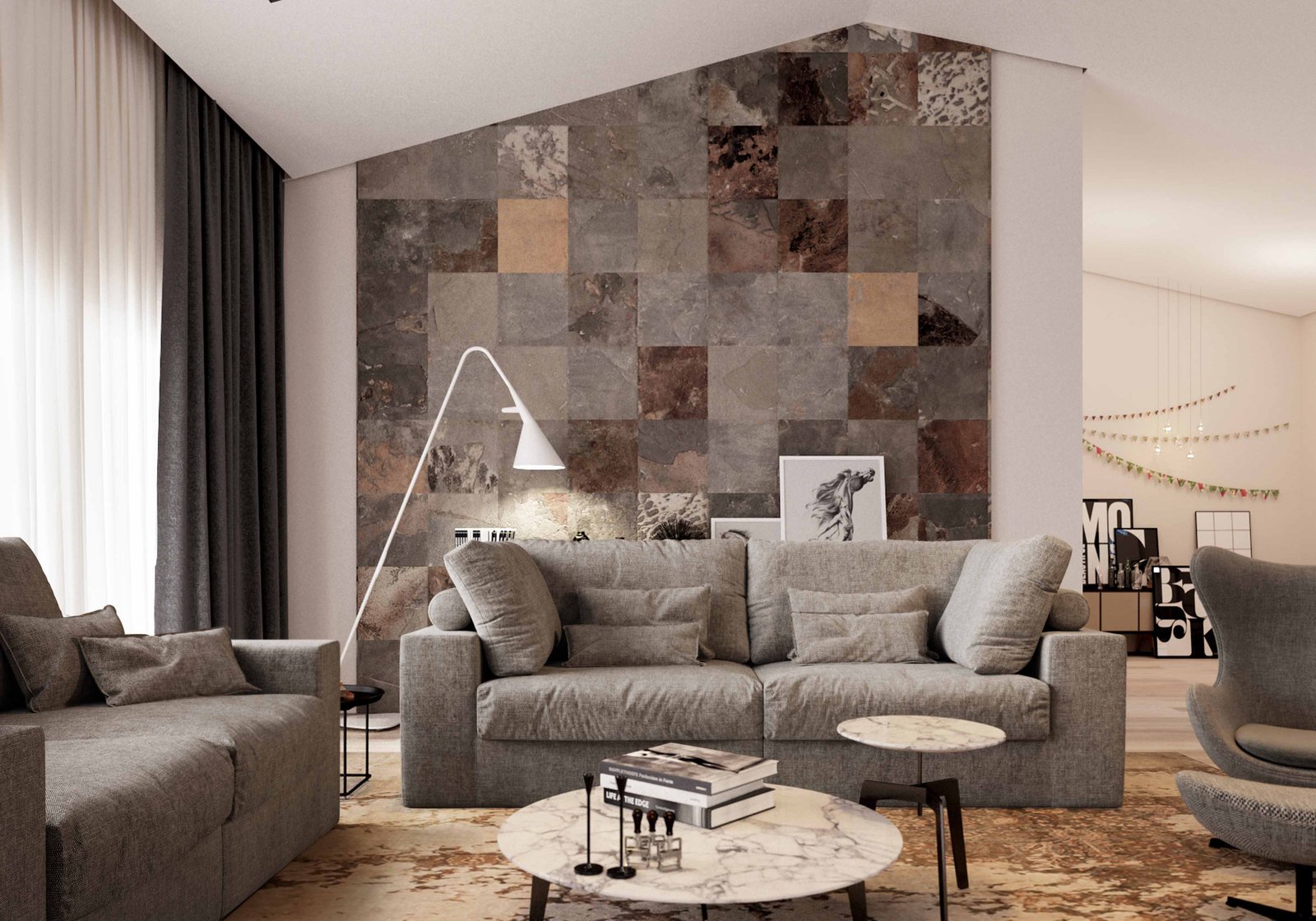
Step 2 happens inside the visualizer: choose from available tiles or upload your own tile image and adjust layout, rotation and grout to match your real project.
Tile Visualizer — Try Tiles in Real Rooms Before You Buy
Buying tiles only by looking at a small sample is risky. Color looks different on a full floor or wall, patterns repeat, grout lines change the feel and room light also matters. Our free tile visualizer solves this problem. In just a few clicks you can see how your tiles will look in a real room scene.
How to use the tile visualizer
- Select a room type from the gallery above (living room, bedroom, kitchen, bathroom, etc.).
- Inside the visualizer, choose a tile from the tile list or upload your own tile image.
- Adjust layout, rotation and grout color to match your design idea.
- Zoom in, take screenshots or share the preview with your client or family.
Why this visualizer is different
- World-first free tiles visualizer focused on real-life room view.
- Upload your own tiles — not only showroom catalog tiles.
- Perspective floor mapping so tiles follow the actual room angle.
- Grout & pattern control to see more realistic output.
- Browser based — no heavy CAD or 3D software required.
Perfect for customers, dealers and manufacturers
Whether you are a homeowner selecting tiles for your new home, a dealer helping customers, or a tile manufacturer creating digital displays, this tool saves time and avoids costly mistakes. You can quickly compare multiple options and shortlist the best designs.
Note: This visualizer gives a very close idea of final look, but actual result may vary slightly based on lighting, grout color, tile batch and on-site workmanship.
Join Whatsapp
Group for Latest UpdateeMail
Send messageWhatsapp Me
Send message